
Titus County VINELink Coverage
VINE is a custody-status search and alert platform fed by participating agencies. The Texas route is available through VINELink’s Texas page. A matching record can identify the source agency, custody or case status, and registration options. VINE warns that its information is only as current as agency submissions. Corrections must come from the source facility.
Do not assume that every Titus County Jail event appears. The live agency and person result must confirm participation for the specific record. A released or out-of-custody label means the contributing agency sent that change. It is not certified proof of legal disposition, the release type, or the exact book-out facts. The Sheriff record and court disposition remain the durable local sources.
The Texas screen shows the person and case search entry:
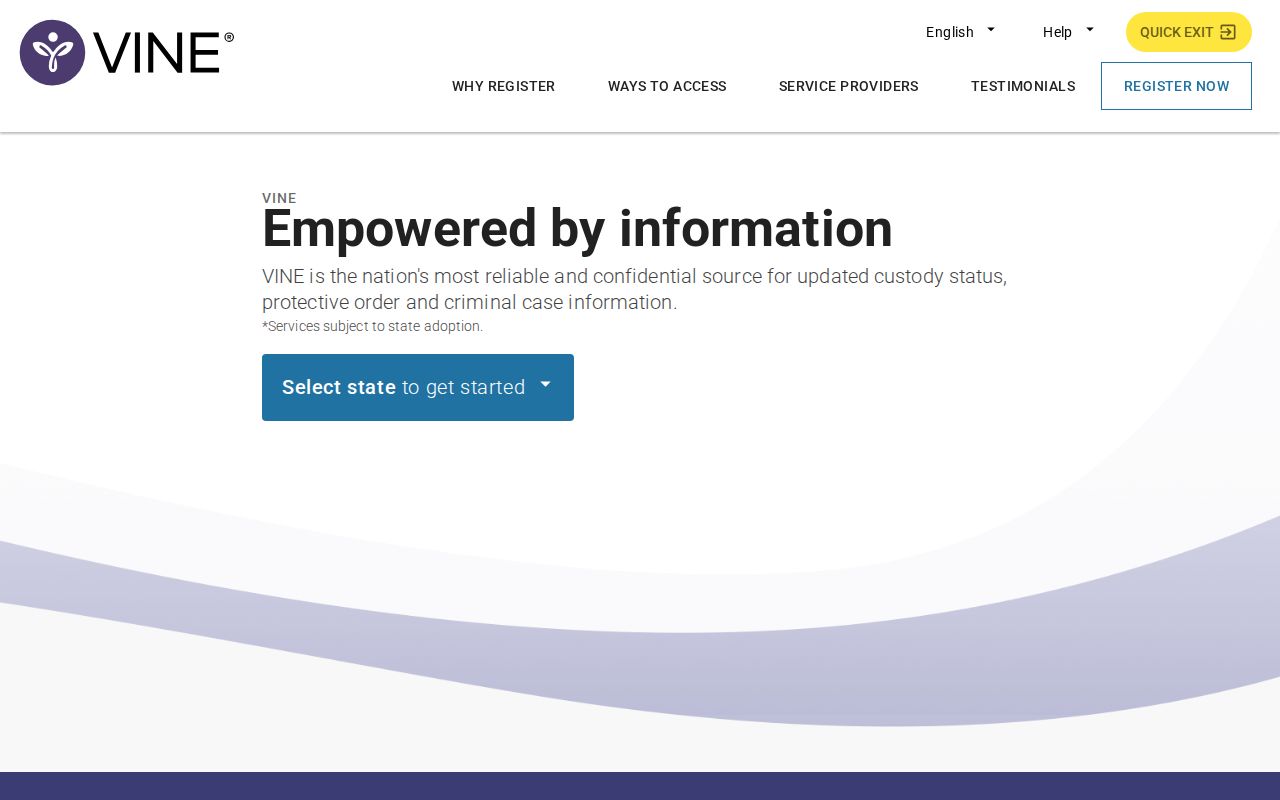
The image identifies the official search route, while the result itself must be matched with person-level identifiers.
Search Titus County on VINELink
Use more than a name whenever possible. Date of birth, agency, ID, case number, and an agency-supplied photo can help prevent a same-name error. A photo may not be present, and its absence says nothing about custody.
- Open the Texas VINELink route and choose “Search for Someone.”
- Select the offender or defendant search, then enter a name, ID number, or case number.
- Complete CAPTCHA if the anonymous search requests it.
- Compare date of birth, contributing agency, ID, case, and photo when available.
- Open the matching record and read the custody or case status with its source agency.
- Confirm a released result through the Sheriff, court, TDCJ, or other named source.
If the person cannot be found, check spelling and identifiers. Then use the Titus County release-record channels. A no-result may reflect a nonparticipating agency, a delayed feed, an identifier mismatch, federal custody, or a record outside the platform’s scope.
Titus VINELink Release Fields
Available fields vary by contributing agency. Read each field as an agency-fed status, not as a complete sentence or court history.
| Field | What it can establish |
|---|---|
| Name and identifiers | Help distinguish the intended person from a same-name result. |
| Source agency | Identifies the office that supplied the custody or case update. |
| Custody status | May show in custody, released, out of custody, or another configured state. |
| Facility or location | Shows the location reported by the participating agency. |
| Case information | May tie the result to a contributing court or case feed. |
| Notification events | Lists release, transfer, or other changes available for registration. |
A scheduled or projected date is not an actual release. Use the Inmate Release Date page to identify whether TDCJ, the jail, or a court owns the calculation. Save a VINELink alert with its timestamp, but request the release record when exact date and manner matter.
Register Titus Release Notifications
Registration occurs from the matching record. Available channels generally include phone, text, email, and in-app alerts, but the state and agency configuration controls the actual choices. Watching or bookmarking a record is not notification. Registration must be completed.
- Open the verified person record and select custody-status notification registration.
- Choose the events and available contact methods, then enter the requested phone number or email.
- Create a four-digit VINE PIN where prompted. The PIN acknowledges phone notices and helps modify registrations.
- For an account, choose email or text verification and enter the code delivered through that channel.
- Review events and destinations after saving. Recover a registration through “Look Up Registrations” with the original phone or email.
Phone calls may repeat until the PIN is entered or the configured time limit ends. A verified account may support a universal PIN. These are VINE steps only. Do not apply the VINE PIN rule to IVSS unless that separate portal requests it.
Official support illustrates CAPTCHA, account verification, and alert controls:
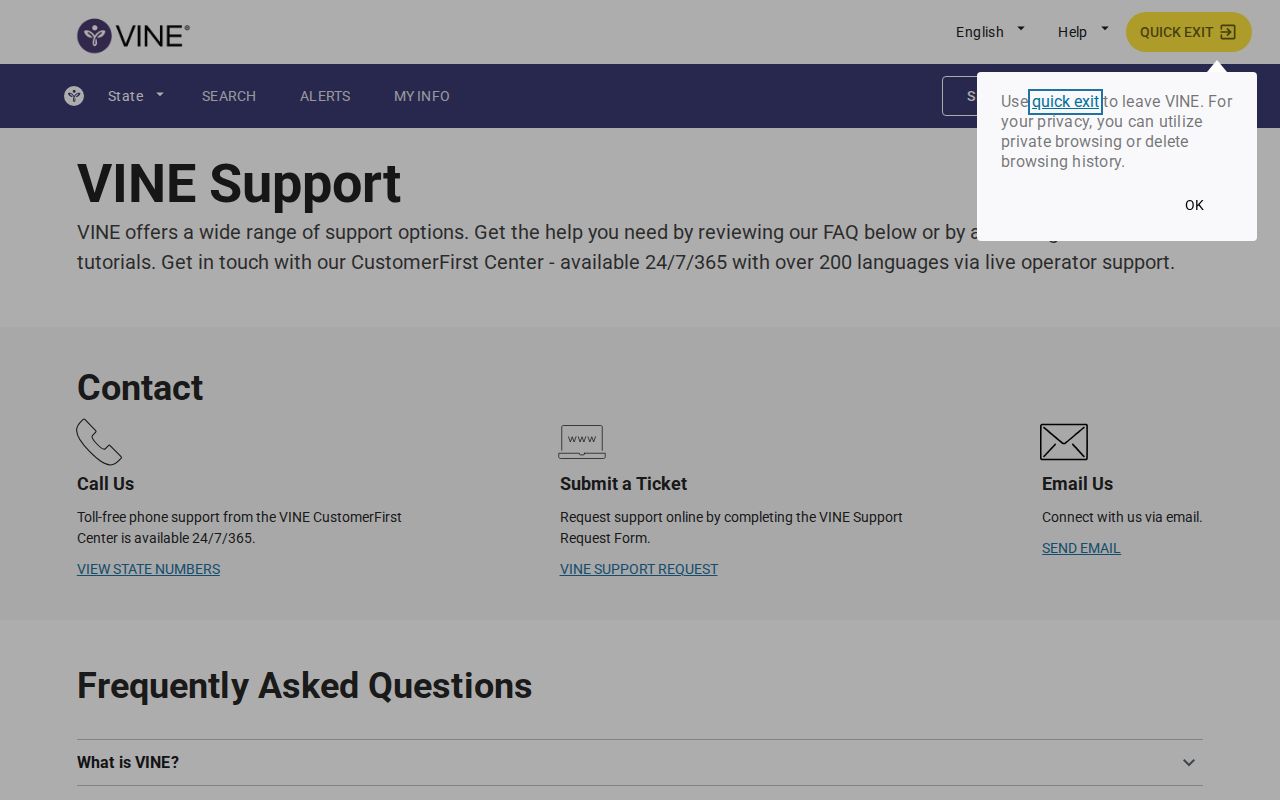
The support screen is useful for account mechanics, while each agency record controls which event alerts are offered.
Titus County’s Three Alert Systems
Titus has a distinctive three-system map. Its Sheriff navigation links IVSS Counties even though the county jail roster is unavailable. That portal is intended for county and post-conviction notification. VINELink remains a separate participating-agency search and alert route. TDCJ’s IVSS serves state-prison notifications.
For a TDCJ case, register through the TDCJ IVSS notification page, call 800-848-4284, or email victim.svc@tdcj.texas.gov. TDCJ lists letter, email, text, combinations, and some phone notices. For a county or court event, use the Titus-linked IVSS Counties portal and follow its displayed account and preference steps. For a participating VINE record, use VINELink registration.
| System | Proper lane | Verification |
|---|---|---|
| VINELink | Specific-person custody search and alerts from participating feeds | Confirm with contributing agency |
| IVSS Counties | County and court notification route linked by Titus Sheriff | Confirm coverage and event in portal |
| TDCJ IVSS | State-prison victim and concerned-citizen notifications | Confirm final release with TDCJ record |
Each alert is a lead. It may arrive after an agency update and may omit the court reason. Keep its source and time, then request the booking-out or TDCJ release record.
Titus VINELink Limits and Confirmation
VINELink does not replace every custody system. Federal prisoners are searched through the BOP locator. A BOP result may report an actual release date for a former federal prisoner, but federal data does not establish a Titus County Jail release. Likewise, a TDCJ result concerns state custody, not a county booking event.
Data lag can occur between the physical event, agency entry, feed transmission, and alert. If a status appears wrong, contact the facility that supplied it. VINE cannot correct the source record. For Titus County Jail, ask the Sheriff for the booking-out or release entry and compare it with the court disposition. For TDCJ, request public release or discharge history through official offender-information or public-record channels.
Notifications are most useful for timely awareness and reconnecting with someone. Records provide the lasting proof. Keep “released from Titus County Jail,” “transferred,” “released from TDCJ,” and “released from federal custody” as separate findings.
Match Titus Alerts to Records
Build a small event log when release timing matters. Write down the person’s confirmed identifiers, contributing agency, status wording, and alert time. Then record when the Sheriff, court, or TDCJ confirms the event. A delay between those entries does not by itself prove an error. It can reflect booking work, feed transmission, or notification delivery. If facts conflict, the agency that created the underlying custody record is the correction point.
County and state events may overlap. A person can leave Titus County Jail by transfer to TDCJ, then later receive a state-prison release alert. Those are two different departures. A court case update may occur without physical release, and a supervision notice may follow after custody ends. Keeping the source agency beside each status prevents the dates from being collapsed into one story.
For a durable county answer, request the exact booking-out entry and relevant court disposition. For state custody, seek the public TDCJ actual release or discharge history. If the person is federal, use the BOP locator and federal record channel. VINELink is strongest as an early signal and notification tool. It should lead to the source record rather than stand in for it.
Titus Alert Account Recovery
A VINE registration can be recovered through “Look Up Registrations” with the original phone number or email address. Review it whenever contact details change. An alert delivered to an old destination does not prove that the source agency failed to submit a custody update. It may show that the registration was never revised. Confirm the selected events, contact methods, and PIN before relying on the alert route.
Keep VINE credentials separate from IVSS and IVSS Counties. The services have different accounts, event choices, and verification flows. VINE’s four-digit PIN confirms phone receipt and can help manage its registration. That requirement must not be copied into an IVSS workflow unless the IVSS portal itself requests it. For a TDCJ state-prison case, questions about victim notification can also go to 800-848-4284 or victim.svc@tdcj.texas.gov.
Titus Same-Name Release Checks
Never register from a name alone when more identifiers are available. A same-name error can attach alerts for the wrong person. Compare date of birth, agency, case number, custody location, and ID. An agency-supplied photo can help, but it is only one matching point. Its absence does not mean the record is false or that the person was released.
If the match remains uncertain, return to the court or custody agency for an identifier. Do not guess from an age or charge description. Once the record is matched, register and save the contributing agency’s name. That name tells the recipient where to seek a correction and where to obtain the lasting release record after an alert arrives.
Public Record Search
Sponsored Results